

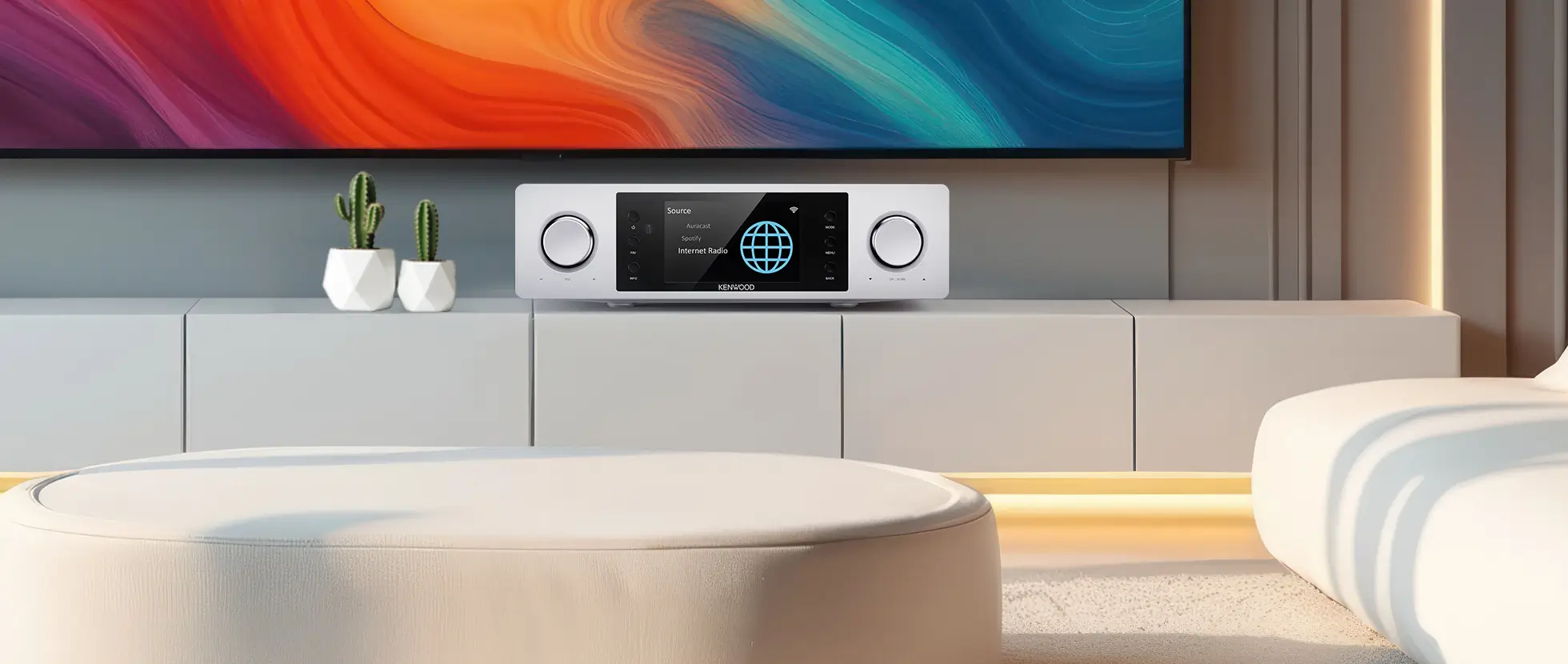
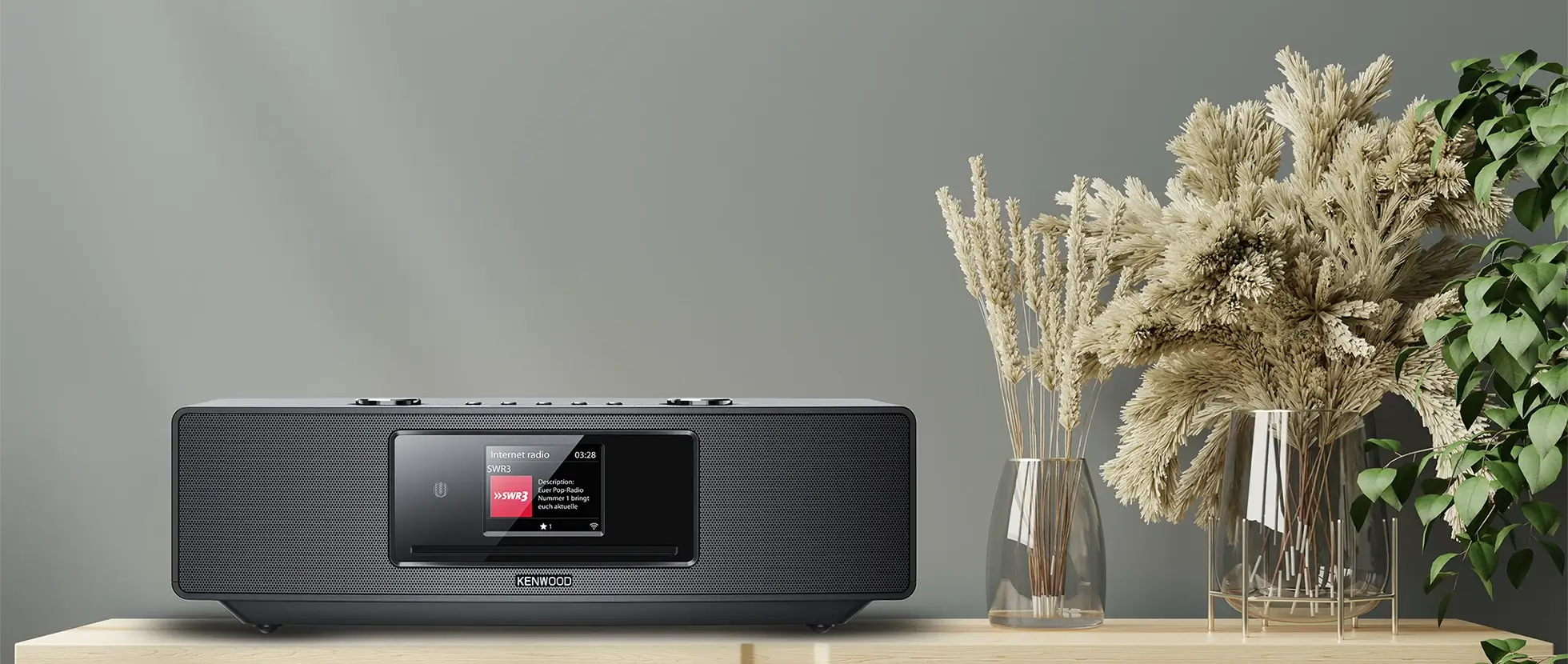
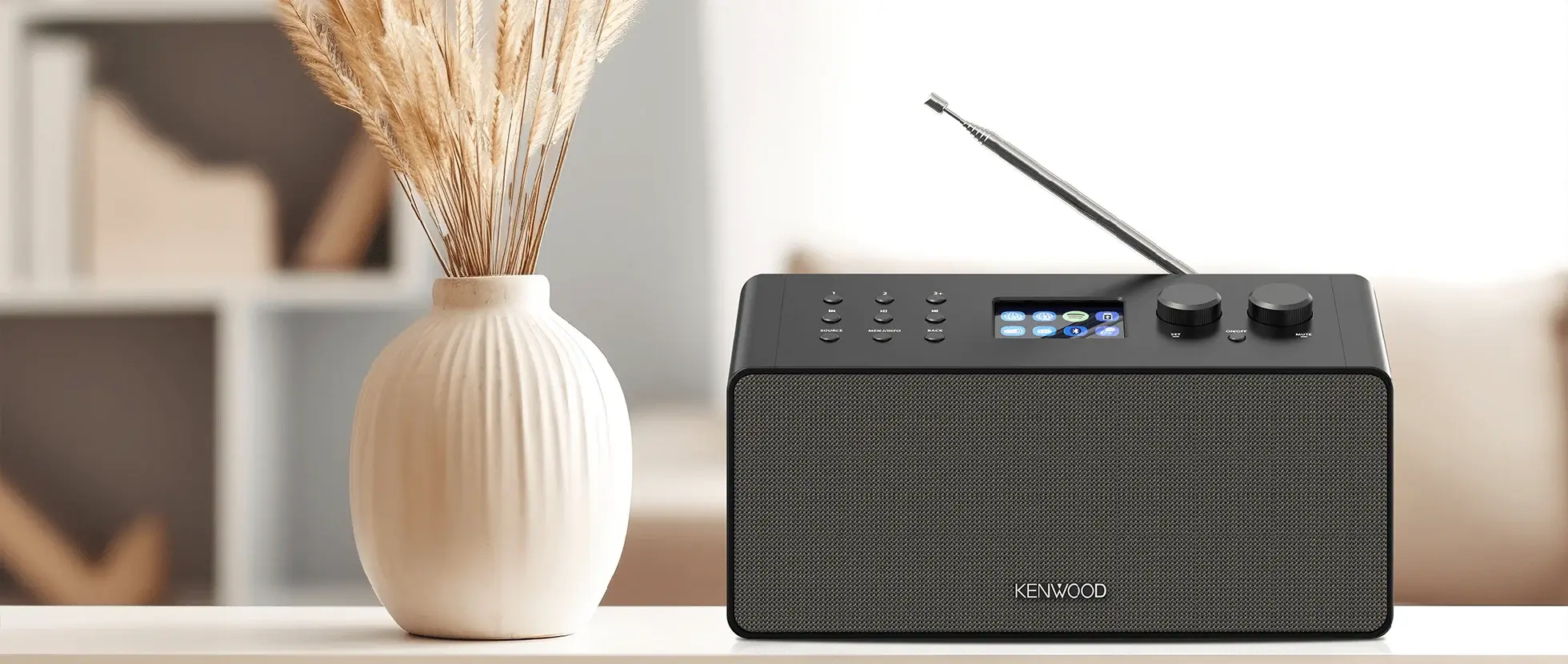




DVF-N7080 network product.
To start the download, click on below link and input the MAC Address of your
VRS-N8100 or DVF-N7080 in the fields where "Enter login password" is mentioned.
Where to find the MAC Address
Turn on your VRS-N8100 or DVF-N7080, push the [SETUP] button on the remote control and s elect [IP] in the menu. The alphanumeric character of 12 figures called “MAC Address” is your password.Use this number as the password to obtain your software update.

Verification of your current KENWOOD PC SERVER software version
If you would like to know the version of the KENWOOD PC SERVER software you are using now, do the following:Launch the KENWOOD PC SERVER, select [Help] on the menu bar and click
[Version Information].

The following screen is displayed.
